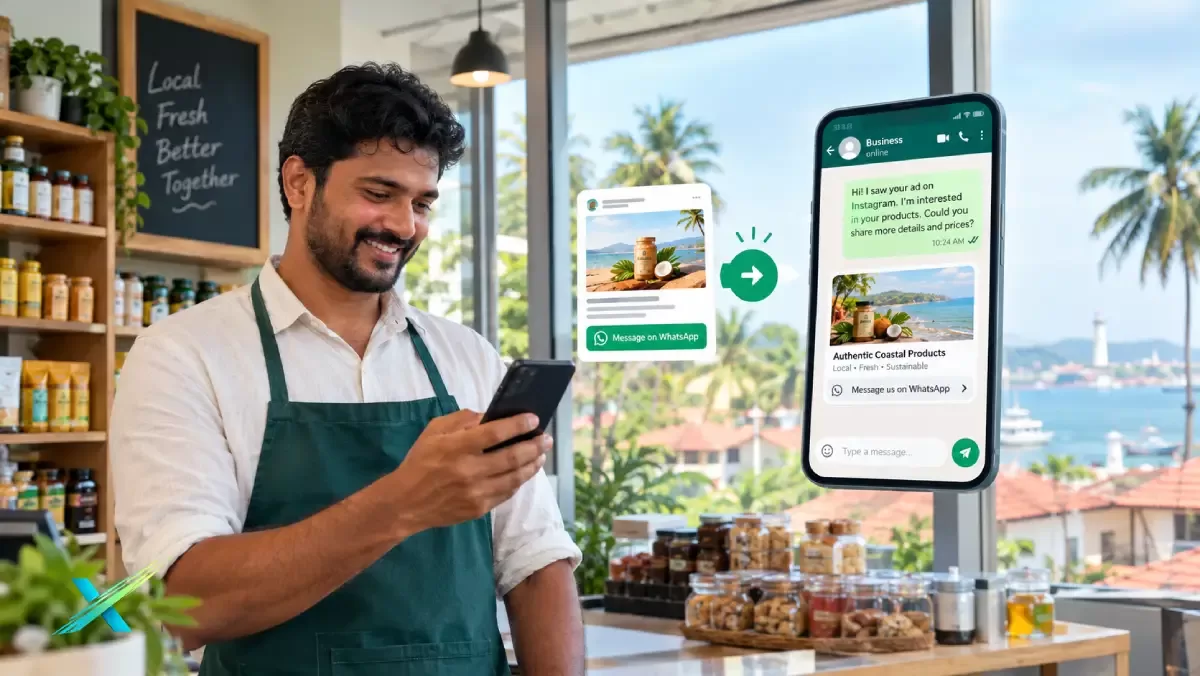
Click-to-WhatsApp Ads for Local Businesses in Mangaluru & Coastal Karnataka: The 2026 Playbook to Get More Enquiries, Bookings, and Sales
Learn how click-to-WhatsApp ads work for businesses in Mangaluru, Udupi, Puttur and coastal Karnataka, including costs, setup and reply systems. Turn Facebook and Instagram clicks into real enquiries, bookings and sales.
If you run a clinic in Kankanady, a jewellery showroom in Puttur, a restaurant in Udupi or a builder's office in Bantwal, you already know where your customers really talk to you: WhatsApp. Click-to-WhatsApp ads in Mangaluru and across coastal Karnataka turn that habit into a lead-generation system. Instead of sending people to a website form they may never fill, your Facebook or Instagram ad opens a chat with your business in one tap. This 2026 playbook explains how the ads work, what they cost, how to set them up, and, most importantly, how to reply fast enough to convert chats into bookings and sales.
What Are Click-to-WhatsApp Ads (and What They Are Not)?
A click-to-WhatsApp ad is a Facebook or Instagram ad whose call-to-action button, such as "Send message", opens a WhatsApp conversation with your business number. You create and pay for it in Meta Ads Manager, just like any other Meta ad. The only difference is the destination: a live chat instead of a landing page. You can read more about the technology on our Click-to-WhatsApp page.
It helps to separate three things that are often mixed up:
- Click-to-WhatsApp ads: ads on Facebook and Instagram that open a WhatsApp chat. This is what this guide covers.
- Ads inside WhatsApp: Meta announced Status ads and promoted channels in WhatsApp's Updates tab in June 2025, and according to Codingclave's 2026 cost guide, Meta said in September 2025 that Indian businesses can add WhatsApp placements in Ads Manager. These do not appear in personal chats.
- WhatsApp message templates (API): approved business messages sent through the WhatsApp Business Platform, used for follow-ups, reminders and broadcasts to opted-in customers. Our WhatsApp marketing service covers this side.
Why Click-to-WhatsApp Ads in Mangaluru Work for Local Businesses
Coastal Karnataka is an enquiry-led market. People compare, ask for the price, ask for a photo, ask a family member, and then decide. Much of that happens by message, often in a mix of Kannada, Tulu, Konkani, Beary and English. A form or a "Contact Us" page rarely fits that style. A WhatsApp chat does.
The numbers support the habit. A 2026 WhatsApp marketing statistics guide by go4whatsup (a WhatsApp solutions provider, so treat it as a vendor compilation) puts India's WhatsApp users at roughly 535.8 million, the largest single-country base on the platform. On the advertising side, MediaNews4U reported in September 2026, based on Meta's quarterly results, that Meta's click-to-WhatsApp ad revenue grew about 60% year on year. Both point the same way: more Indian businesses are paying to start conversations, which also means more competition for the same customers' attention.
There is a Gulf angle too. Many families in Dakshina Kannada and Udupi have members in Qatar and the wider Middle East. For property, jewellery, gifting, education and wedding services, a WhatsApp chat is the easiest way for an NRI customer to reach you, share a requirement and send documents.
Which Local Businesses Benefit Most?
Click-to-WhatsApp ads work best where the customer has questions before buying and where one sale is worth many times the ad cost.
Clinics, dental and skin care
Appointment requests, treatment queries and follow-ups are natural WhatsApp conversations. See our guide on how clinics in Mangalore can get more appointments online and our healthcare marketing page. Keep ad claims modest and compliant with medical advertising rules.
Jewellery showrooms
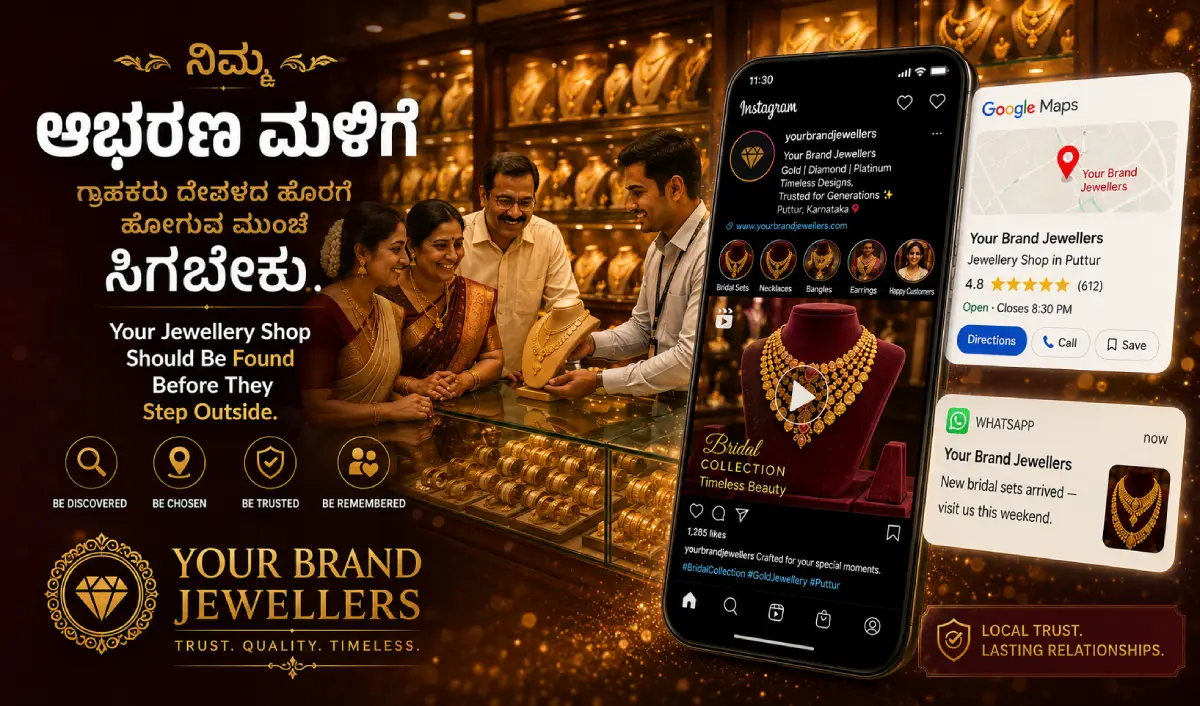
Customers ask for designs, making charges and festival offers before they visit. A chat that shares catalogue photos can bring walk-ins. Read our jewellery marketing guide and the jewellery showroom page.
Real estate and builders
Site-visit bookings, brochure requests and price enquiries suit chat well. Pair the ads with a proper lead-capture website; see our post on real estate lead generation in Mangalore.
Restaurants, cafes and hotels
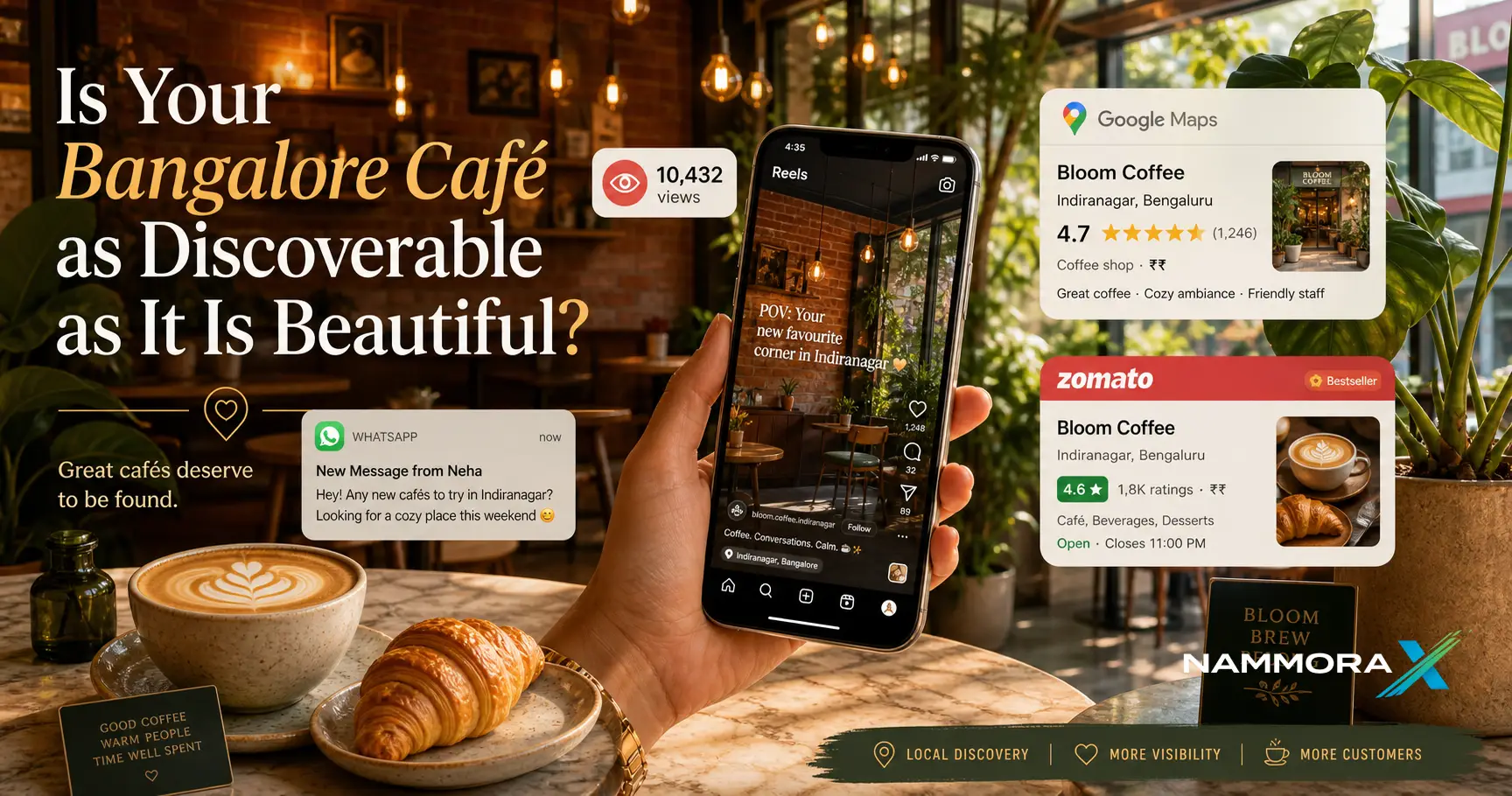
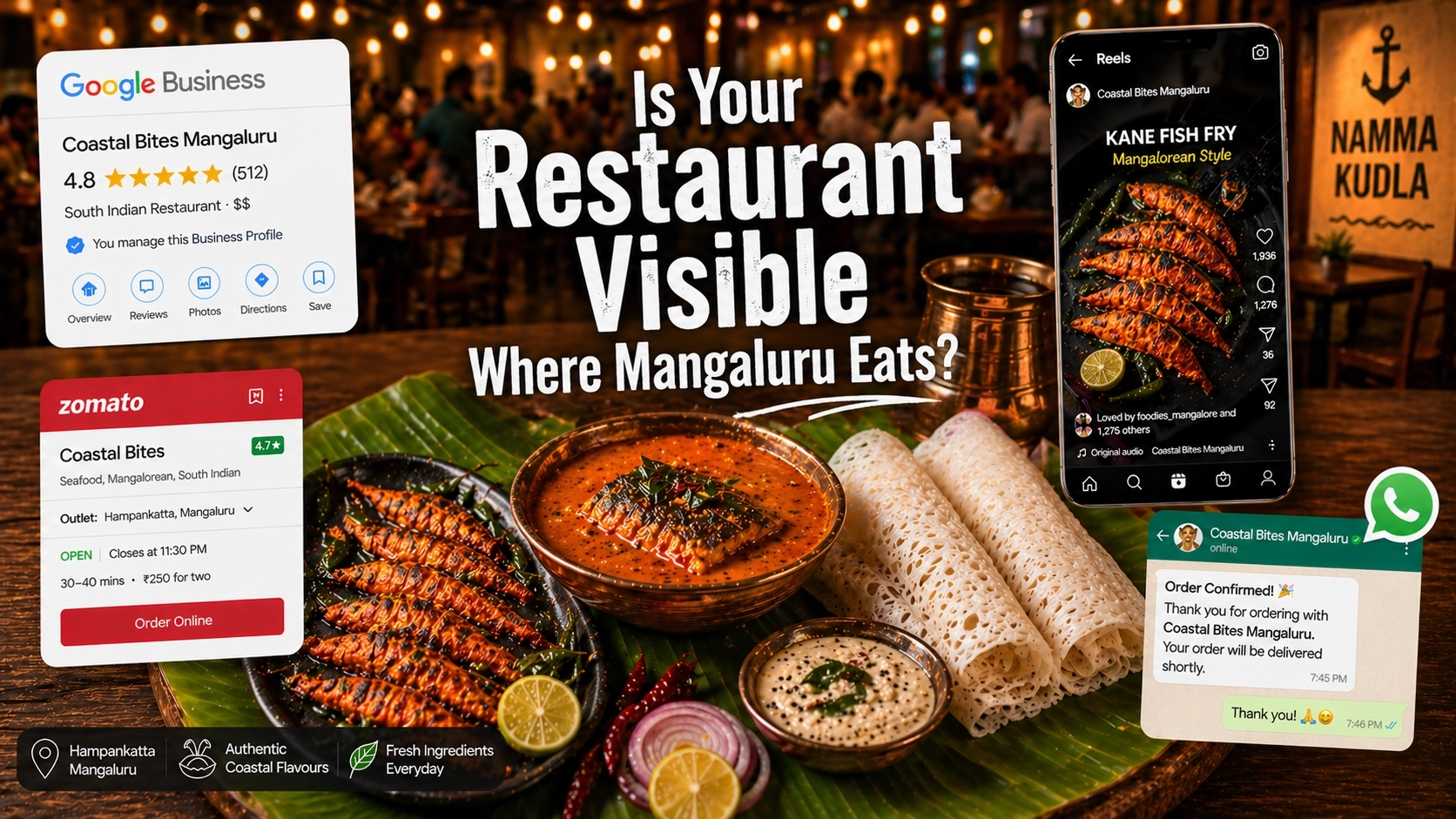
Table bookings, party orders, banquet enquiries and room availability are all chat-friendly. Our restaurant marketing guide and hotels and resorts page go deeper.
Automobile and bike showrooms
Test-drive bookings, EMI questions and exchange-value queries start well on WhatsApp. See bike showroom marketing in Dakshina Kannada.
Salons, gyms, coaching and event services
Slot booking, package pricing and availability checks are quick to handle in chat. Wedding and event planners can also share portfolios and quotations directly.
How Much Do Click-to-WhatsApp Ads Cost?
There is no fixed price. You pay Meta through the ad auction, on a daily budget you choose, plus 18% GST, according to Codingclave's India cost guide. The same guide notes that WhatsApp platform provider AiSensy quotes roughly ₹5 to ₹25 per click in India. Treat that as a vendor-quoted range, not a promise: your cost depends on your audience, offer, creative, season and competition. Festive months such as Diwali and the wedding season usually cost more.
The WhatsApp side has its own rules, set by Meta:
- When a customer messages you from a click-to-WhatsApp ad on an Android or iOS phone and you reply within 24 hours, Meta's developer documentation says a free entry point conversation opens and lasts 72 hours. During this window you can send template and free-form messages without extra messaging charges. Web and desktop WhatsApp clients are not covered.
- If you miss the 24-hour reply window, that free window does not open, and you must use an approved template to restart the conversation, which may be charged.
- Since 1 July 2025, WhatsApp Business Platform pricing is per message, not per conversation, as explained in the changelog from platform provider Gallabox. Marketing templates are charged by country, while replies within the customer service window are free.
Indicative starting budget (our own judgement, not a benchmark): many local businesses in Mangaluru, Udupi and Puttur can run a meaningful 30-day test with roughly ₹10,000 to ₹25,000 of ad spend, depending on the service and how wide the target area is. Start small, learn which offer brings the right chats, and then scale what works.
Step-by-Step: Setting Up Your First Campaign
Step 1: Decide the business outcome first
"More enquiries" is too vague. Pick one: appointment bookings, showroom visits, catalogue requests, table reservations or quotation requests. Everything else, from the ad text to the first WhatsApp message, should push towards that one action.
Step 2: Choose the right WhatsApp setup
The free WhatsApp Business app is enough to start if one or two people reply. If you expect many chats, multiple staff, automation or CRM tracking, move to the WhatsApp Business API. It lets you add routing, auto-replies, follow-up templates and better reporting.
Step 3: Build the campaign in Meta Ads Manager
In Meta Ads Manager, choose a Leads or Sales objective (or the engagement option if your account offers it), then set the conversion location to messaging and select WhatsApp. Connect your WhatsApp Business number and your Facebook Page or Instagram account.
Step 4: Target locally, not widely
Use a radius around your shop or clinic, or select specific areas: Mangaluru city, Udupi, Puttur, Bantwal, Sullia or Kasaragod, depending on where your customers actually travel from. Add age and interest filters sparingly, and let Meta's system learn. For NRI-focused offers such as property or gifting, test a separate campaign aimed at Qatar and other Gulf locations.
Step 5: Create ads that promise a clear reason to message
A person should know exactly why tapping the button is worth it. Strong examples of the idea: "Get today's gold rate and latest bridal designs on WhatsApp", "Book a dental check-up slot for this week", "Ask for the floor plan and price list of our Mangaluru project". Use real photos, short videos and Kannada or English copy that matches your audience. Our ad creative team can help with this.
Step 6: Set up the first message and quick replies
Meta lets you pre-fill a greeting and offer tap-to-reply questions, such as "Price list", "Book a visit" or "Talk to us". Keep the greeting warm and specific, and ask only one question at a time. Example: "Namaskara! Thanks for messaging us. Which service are you looking for today?"
Step 7: Set up tracking before you spend
Track cost per conversation, conversations that become real leads, and leads that become sales. These are three separate numbers. Meta's Conversions API for business messaging lets you send chat outcomes, such as a booked appointment or a completed sale, back to Meta so it can optimise for better chats, not just cheap ones. Our analytics service can set this up.
The Reply System: Where Most Campaigns Are Won or Lost
The ad only starts the conversation. Revenue comes from what happens in the next few minutes. Several WhatsApp platform providers, including D7 Networks and MSG91, advise replying within about five minutes during business hours, because interest fades quickly. Whatever your exact target, use this checklist:
- Reply fast, inside business hours. Show your working hours in the ad and the greeting so expectations are clear.
- Use an away message. If you are closed, an automatic reply buys time and keeps the lead warm.
- Assign one owner per chat. Decide who answers, who follows up, and who closes.
- Ask one question at a time. Budget, location, date and requirement can be collected step by step.
- Reply in the customer's language. Kannada, English, Tulu or Hindi, whichever they use.
- Send useful assets. Catalogues, price lists, location pins and short videos beat long paragraphs.
- Follow up once or twice. A polite reminder within the free window helps non-responders. Do not over-message.
A cheap chat that nobody answers is the most expensive lead you can buy.
Measuring What Matters
Meta's dashboard shows conversations started. That is not the finish line. Keep a simple weekly sheet or CRM with these columns:
- Cost per conversation: ad spend divided by chats started.
- Conversation-to-lead rate: how many chats were genuine enquiries (right area, right budget, real intent).
- Lead-to-sale rate: how many became bookings, visits or purchases.
- Average first-reply time: the number you control most directly.
- Cost per sale: the figure that tells you whether the campaign pays.
Ask customers "How did you find us?" and tag the chat by campaign. It sounds basic, but it is how small businesses learn which ad actually works.
Common Mistakes That Waste Click-to-WhatsApp Budget
- Vague ads. If the ad does not say why to message, people will not.
- Slow or missed replies. This also forfeits the free 72-hour window if you miss the 24-hour reply deadline.
- Targeting too wide. A Mangaluru dental clinic gains little from chats in distant districts.
- No follow-up plan. Many buyers need a second nudge.
- Measuring only chats. Cheap conversations that never buy are a trap.
- Spamming opted-out customers. Always get permission before sending promotional templates and make opting out easy.
- Mixing personal and business numbers. Use a dedicated business number so history and ownership stay clean.
A Simple 30-Day Launch Plan
- Week 1, foundation: choose the outcome, set up the WhatsApp Business account, write greeting and quick replies, prepare catalogue or price list, define who replies.
- Week 2, launch: run two or three ad variations (different offer or creative) in a local radius with a modest daily budget.
- Week 3, learn: review reply time, lead quality and cost per conversation. Pause weak ads and improve the first message.
- Week 4, scale and retain: increase budget on what works, add a follow-up sequence, and send approved updates to customers who have opted in.
Disclaimer
This article is for general information only. It mentions Meta, Facebook, Instagram, WhatsApp and third-party providers such as go4whatsup, AiSensy, Codingclave, Gallabox, D7 Networks, MSG91 and MediaNews4U for factual reference, and is not affiliated with or endorsed by any of them. Figures, ad costs and pricing rules are drawn from third-party sources and Meta's published documentation as available in October 2026, may be vendor-quoted or approximate, and can change at any time. The budget range given is an indicative estimate by NammoraX, not a benchmark or guarantee. Actual results depend on your business, offer, audience, season and how quickly you respond. Please verify current terms in Meta Ads Manager and WhatsApp's official documentation before investing.
How NammoraX Can Help You Run Click-to-WhatsApp Ads
Running these ads well means getting the ad, the reply system and the tracking right together. NammoraX can support you at each step:
- WhatsApp Marketing: business number setup, quick replies, automation and follow-up templates
- Google & Meta Ads: campaign setup, local targeting and budget optimisation
- Social Media: scroll-stopping creatives for Facebook and Instagram
- Analytics: conversation, lead and sales tracking so you know what pays
- Web Design: fast, trustworthy websites that support your ads
- Digital Marketing: a full plan across ads, SEO and content
We serve businesses in Mangaluru, Puttur, Udupi and across Dakshina Kannada.
👉 Get Your Click-to-WhatsApp Ads Plan | 📞 Call Us: +91 90 3629 4400
About NammoraX
NammoraX is a full-service digital agency based in coastal Karnataka, with teams serving Mangaluru and Puttur, and clients across the region and in Qatar and the Middle East. We help local businesses grow through web design, SEO, digital marketing, social media, Google and Meta ads and WhatsApp marketing. Explore all our services or see where we work.